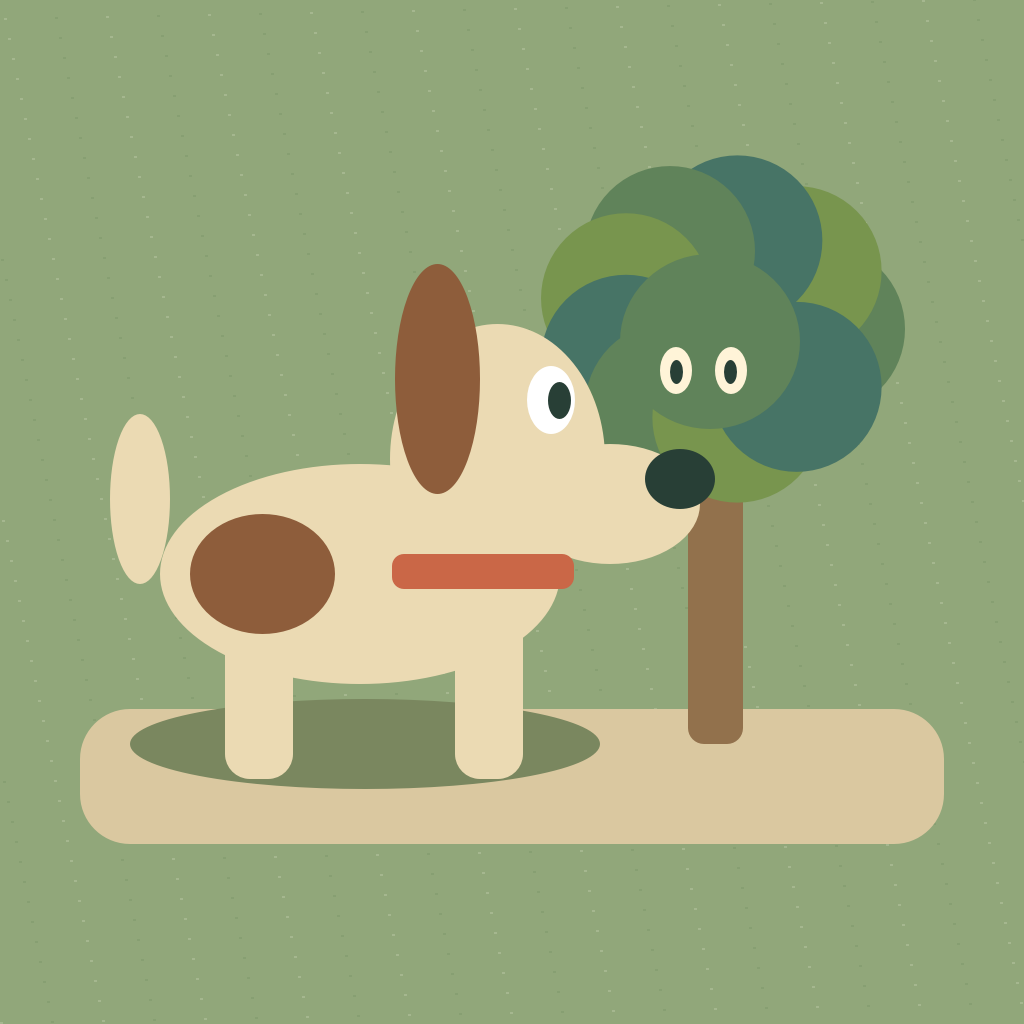
 Paws in the Park
Walks with personality for iPhone and iPad
A dog off the leash
Your dog. Their rules! Mark trees, plan your route and evade the owners. Explore 20 parks, chase a new best score and create adventures of your own.
Join a test walk
The beta installs through Apple’s free TestFlight app. This is an early build and may contain bugs.
Join in TestFlight ↗Follow the TestFlight link to check build availability and open testing spots.
Before you go
Questions & answers
How do I play?
- Choose the walk button and start a walk.
- Drag in the left joystick area to move, or select directional buttons in Settings. Approach a tree and tap the mark button. Marked trees block paths, so leave yourself a way out.
- Mark every tree while avoiding the owners with leashes. Trees can change position too.
What should I test?
Try the joystick and directional buttons, turns, marking trees, pursuit, pause and resuming a walk. Check park unlocks, dog selection and nicknames, music and effects. In a park with a doghouse, try hiding and coming out.
A useful report includes the park number, build number, reproduction steps and a screenshot.
Why does movement speed change?
Path surfaces affect movement differently. Settings let you adjust the dog’s base speed separately, without changing the pace of owners, trees or park difficulty.
How do I unlock parks and choose a pet?
The starter pack contains 20 daytime parks. Mark all trees to unlock the next park. Settings offer the original dog, corgi, French bulldog, spitz, chihuahua and miniature poodle. Each dog can have a nickname. The game interface is in Russian.
How do I hide in a doghouse?
If a park has a doghouse, follow the path inside to hide from the owners. Walk back out when you are ready to continue. The chase may resume once you leave.
How do I open my own park?
Create a route in the park editor or get a park from a friend. Save the .potlevel file in Files on your iPhone or iPad. In the game, choose «Мои парки» → «Загрузить парк» and select the file. The in-game FAQ has step-by-step instructions.
Map images and objects are stored on the device. An external link opens only after a warning showing its address and your confirmation.
Do I need an account?
No in-game registration is required for local walks. Game Center is an optional connection in the records screen.
Why is the Game Center leaderboard missing?
Connect Game Center from the records screen to use online leaderboards. If the table is unavailable, check your internet connection and try later. You can keep playing: results are saved on your device.
Will an update remove my parks?
Normal updates are designed to keep local parks and progress. Keep the original files of your own maps separately. Deleting the app may delete its local data.
How are parks stored, and what goes to Game Center? Read about data and privacy